
Ho ho ho, aspiring coders, seasoned hackers, and festive educators!
The holidays are upon us and nearly here, and we’ve got a fantastic, cozy project for you to play around with in ScratchJr. This isn’t just any project, it’s your first full Ready, Set, Compute coding adventure, packed with custom assets and ready-to-learn concepts.
Think of this project as a perfect, pre-wrapped gift waiting for your students to unbox the code and put their own creative spin on it! Ready for next week before the holidays begin!
Santa’s Tools of the Holiday Trade
We made sure this project shines bright, and we have our own little North Pole workshop for creating it:
- AmberJr: All the delightful custom sprites and backgrounds (the lights, the fireplace, the tree!) were cooked up using our website, AmberJr. It’s essentially your digital Santa’s workshop for creating unique assets for ScratchJr projects and allows you to upload your own sprites and backgrounds to make any project truly yours.
- SapphireStudio: The tutorial video itself (linked below!) was recorded in SapphireStudio, our in-house offline, Privacy-first recording tool.
- ScratchJr: And, of course, the finished product runs right in the fantastic ScratchJr app!
Inside the Two-Scene Wonder
Our project features two delightful scenes that students can navigate:
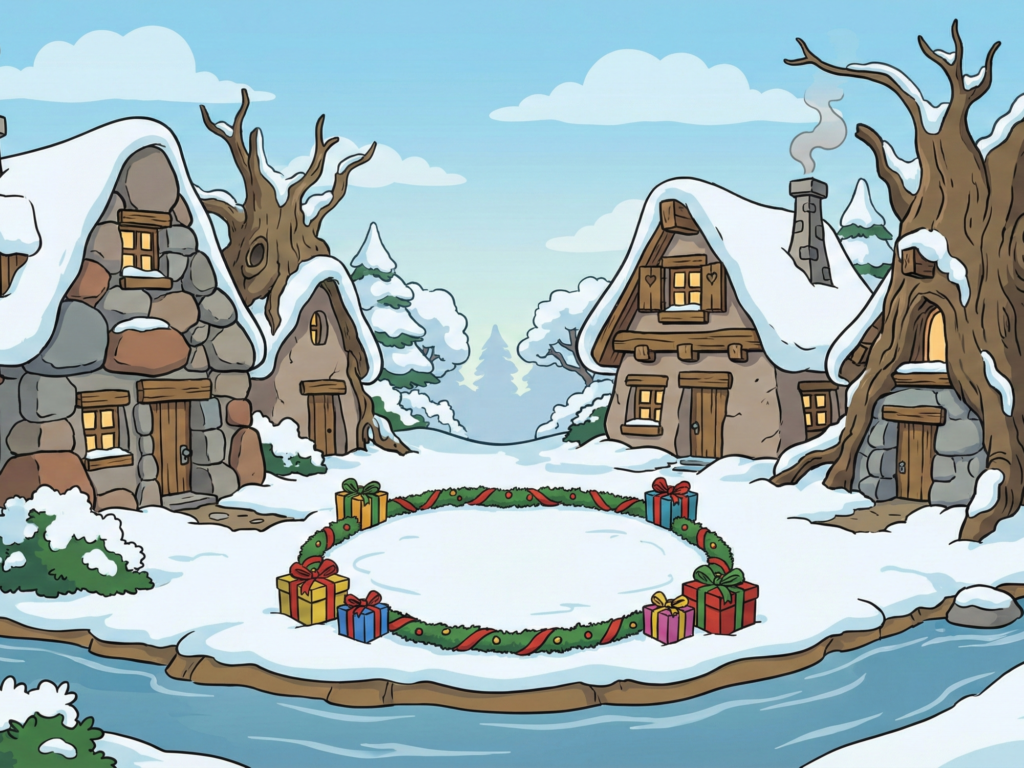
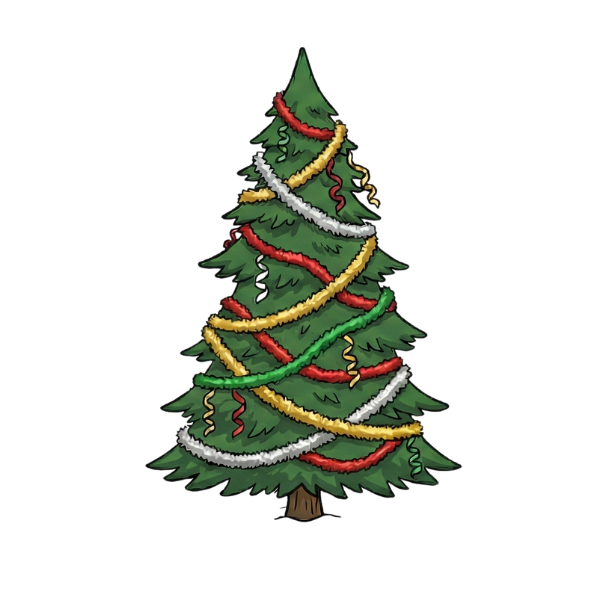
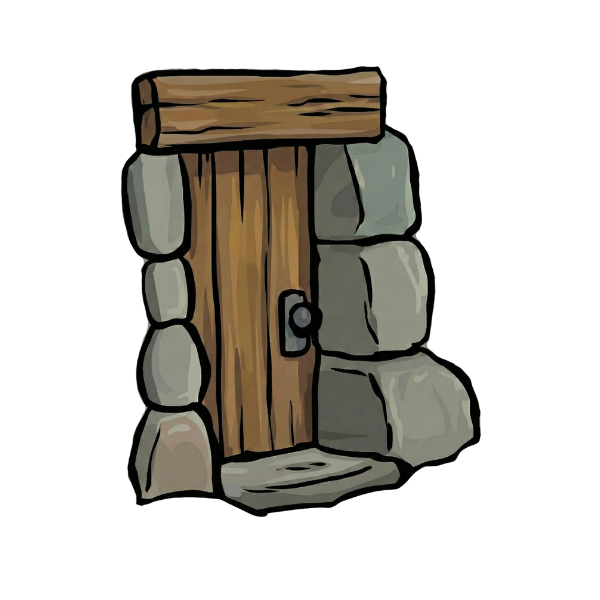
- The Outdoor Scene: A beautiful snow-dusted setting complete with a festive Christmas tree and twinkling lights. The true magic here is the door; that’s your trigger to the next scene.
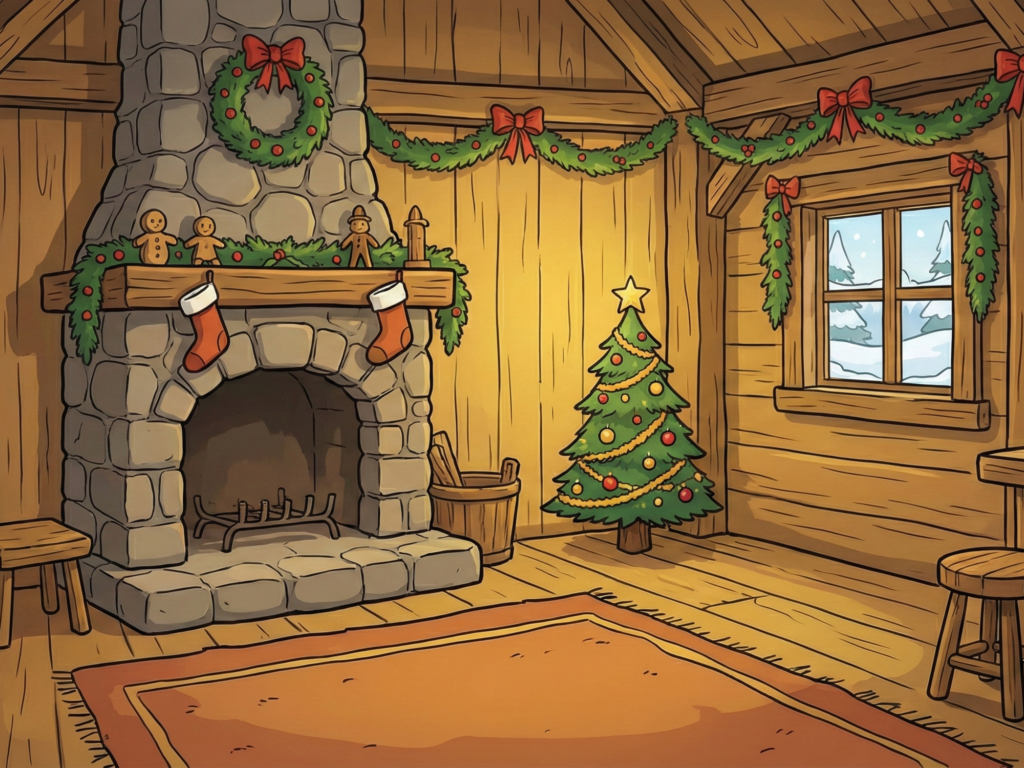
- The Indoor Scene: Ahh, the best part! A super cozy room with a fireplace. But wait, is it burning or just a pile of logs? Your students get to decide!



The great thing is, we’ve already added a basic set of code. This project is a free download(Simply put 0$ as your suggested price unless you don’t mind leaving a Christmas present 🎁), meaning you can open it up, delete the initial code, and challenge your young coders to rebuild it from scratch! It’s the perfect little challenge for the Christmas break.
Unlocking the Core Coding Lessons
This holiday scene is a lesson in disguise, focusing on three foundational coding concepts:
1. Scene Switching
Just like stepping through a magic portal door, tapping the door in the outdoor scene transports the user to the indoor scene.
- The Lesson: Teaching very young students how to use a sprite (the door) as a key (or trigger) to move from the first scene to the second.
2. The Power of Loops
Look up at the Christmas lights! When you tap them, they blink exactly four times and then stop.
- The Lesson: This is a brilliant way to teach the repeat (loop) statement. We’ve used the repeat block instead of the forever loop to show that you can define exactly how many times an action needs to happen, a great concept for our young student-elves to grasp!
3. Broadcasting (Secret Santa Messaging)
The fireplace in the indoor scene is perhaps the most fun feature. Tapping the burning logs makes the fire go out, and tapping the regular logs makes the fire light up again!
- The Lesson: This demonstrates how sprites can communicate using sending messages (broadcasting).
- When you tap the regular logs, they broadcast a red message and hide themselves.
- The burning logs, acting as listeners, wait for that red message and then show themselves.
- It’s a perfect loop of manually clicking and sending a message (yellow or red) back and forth!
How to Access Your Free Holiday Project
Ready to get started? This entire project, with all its custom assets and introductory code, is available as a free download .
- Simply download the file.
- Open it directly within your ScratchJr app.
- Play around, delete the code, and challenge your students to re-code the effects!
You can also follow along with the tutorial video here: https://youtu.be/QwXyHzRnNLc.
We can’t wait to see what you create with this festive template! Happy coding, and Merry Christmas!