
We know a large number of teachers have had to go back to online learning and at ReadySetCompute we are here to support you. Over the past 2 years, we’ve been developing a large range of e-learning tools that are all free to use and will really help you with online learning, they enable you to teach content your way and quickly share materials. All of these work across most devices and will help ensure your lessons are engaging and appropriate for your students. In most cases, the link updates so that you can easily come back.
We have made all of these tools free and largely without any need whatsoever to register, because you can simply send updating links to your students in any platform you can find. We hope this helps all those teachers a little who are trying to get through this.
Given the huge amount of work that’s needed there is now a complete page to help.
Ice Maze Game
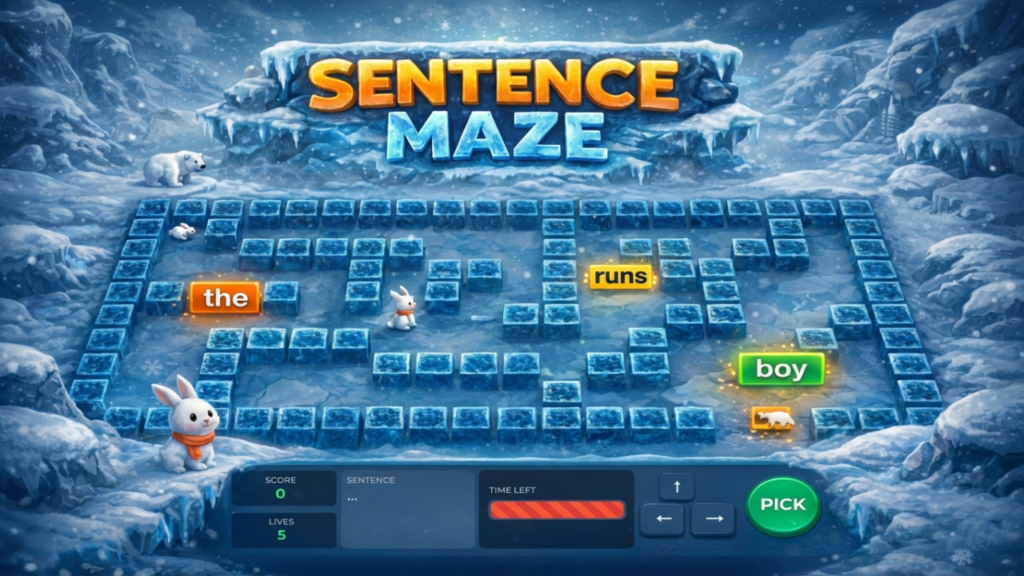
Ice Maze is an educational game designed to help students learn sentence structure through the Colourful Semantics approach. Players navigate a maze, collecting words in the correct order to build grammatically correct sentences. This is a complete lesson in itself and should help students in a highly interactive environment.
Brainstorming tool
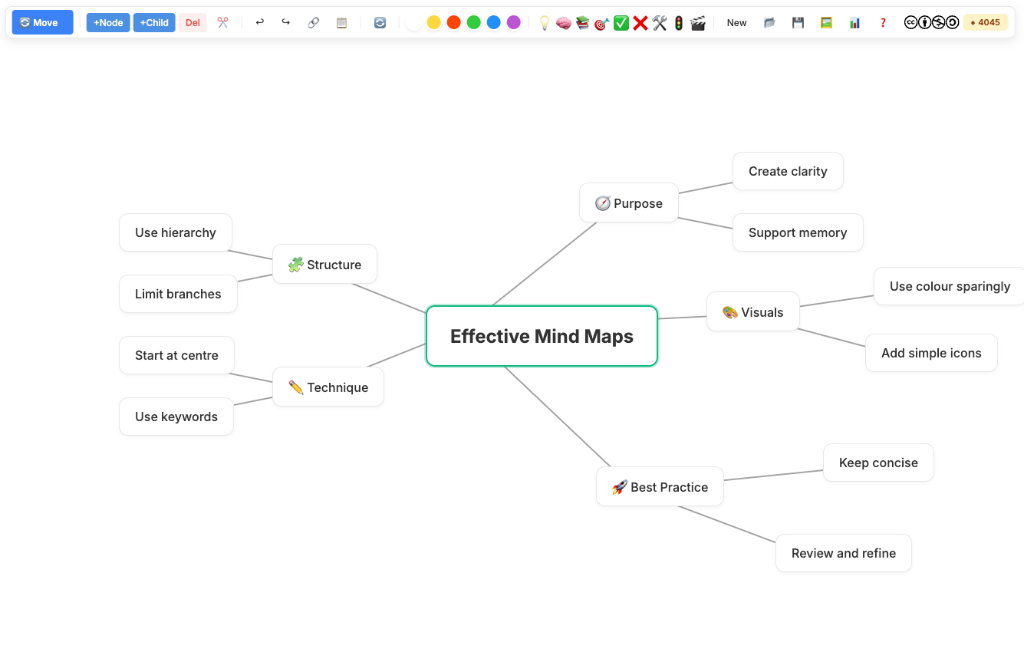
Create clear and colourful mind maps in a simple drag and drop workspace where you can add ideas, change colours, include emojis, and organise your thoughts visually. You can also turn indented notes or lists into a mind map in seconds, making it easy to plan projects or revise key topics. If you are not sure where to begin, simply describe your idea and let the AI help you build a structured mind map to get you started.
Arctic Reading Tools
We know many of your carefully chosen texts will not be available to you and so this analysis tool will help you quickly check any text you copy and paste in. https://arcticreading.vercel.app/ (This is the lite version, because the full version is still in development. Do sign up to the Beta if interested)
Question tools
- link Two sides – This is a very common exam question where you draw lines between linked items
- Sentence ordering quiz – You can either do a word order quiz, sentences or processes (The links use a simple encryption to stop students guessing from the link)
- More Than / Less Than (Created by Sethi De Clercq)
Choosers
- 3D Lollipop Stick Carousel – For choosing random names, groups or questions
- Mega Spinner – For choosing from larger groups of names
- Presentation Spinner – For getting two people up at once
- Draggable manipulatives – Can be used for categorisations or groupings
- Number Flash cards (Created by Sethi De Clercq)
- Debate Picker – For picking a classroom debate
Discussion tools
- Triangle discussion tool
- Debate tool

Think Rank Studio has all your Diamond 9s, Diamond 5s, Triangle Ranking, Line Ranking, Podium ranking and Elimination mode. https://jamesabela.github.io/ThinkRankStudio/
Image fun
- Tile Reveal Game – Link an image and play a game to see who can guess what it is first
- Image Reveal – Fun spotlight to investigate an image. Great for younger children to explore.
- Image Compare – A tool to see two images over the top of each other. Great for Now & Then or even just comparing which you like best.
Word & literacy tools
- Word Cloud – Quick word cloud generator
- Story Dice – Generates story prompts and nets. (Even saves images for you)
- Plot Device Chooser – In Scratch
- Blackout Poetry Creator (By Sethi)
- Fun Writing Adventure (By Sethi)
Timer
- Pomodoro timer – Student created
