
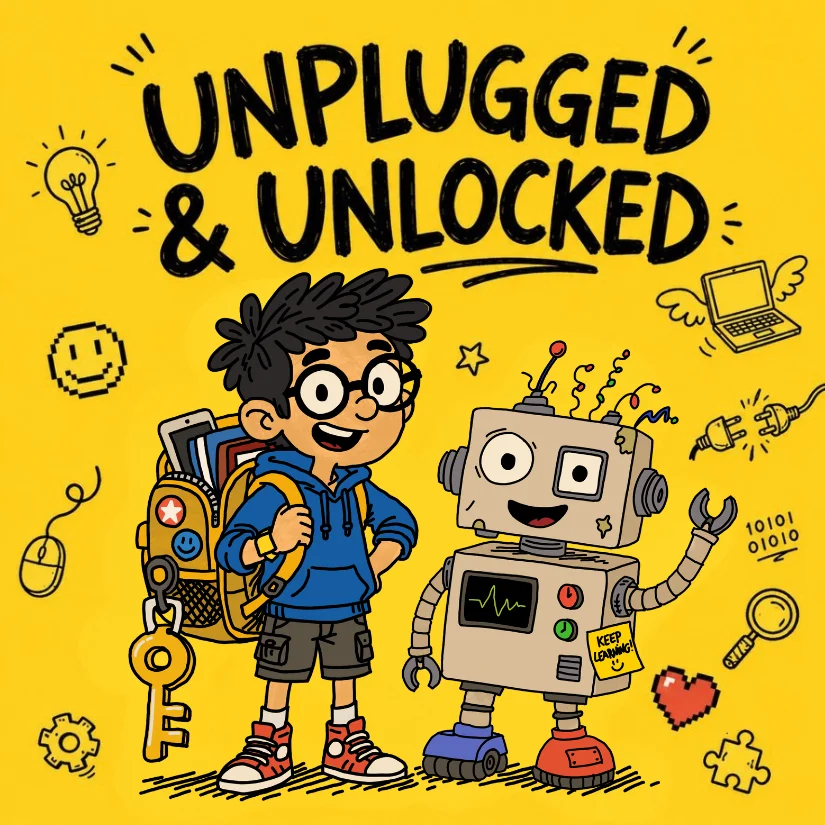
Every week while producing my newest podcast, Unplugged and Unlocked, my boys would sit nearby, watching intently. It didn’t take long before the questions started:
“Papa, can we record our own podcast?”
Naturally, my instinct was to hand them standard audio tools. We pulled up platforms like GarageBand and other popular digital audio workstations. But watching an nine- or ten-year-old sit down in front of a modern DAW(Digital Audio Workstation) is an eye-opening lesson in product design.
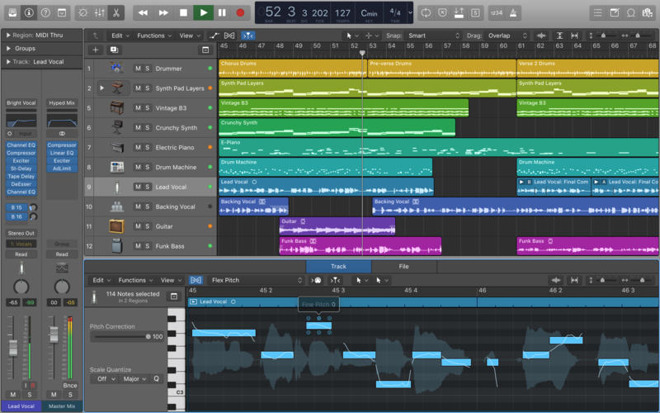
These tools are extraordinarily powerful! Many are industry-standard, even. But with that power comes visual clutter, endless nested menus, complex bussing, and a steep learning curve. Instead of sparking creativity, the software acted like a wall. The magic of storytelling was getting buried underneath gain staging and track management.
I wanted something different: a studio that looked fun, vibrant, and welcoming, inviting young creators to jump right into the director’s chair.
Here is why and how I built it.
1. Lowering the Floor: The 4-Track Canvas (and Glitches!)
When designing for younger minds, constraints are a creative superpower.
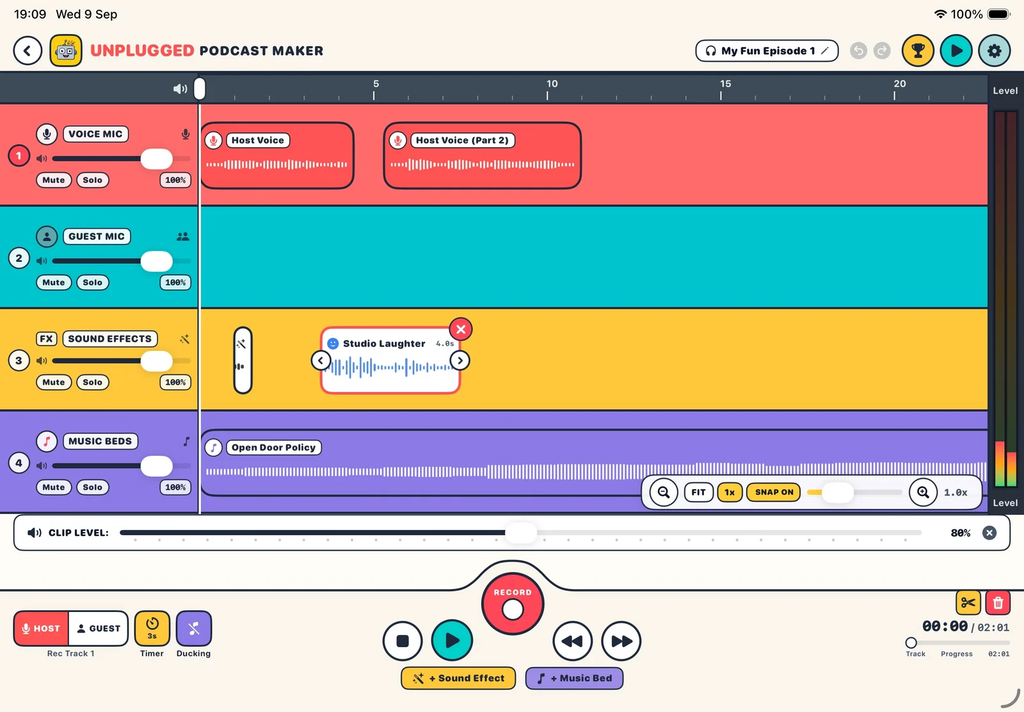
Professional DAWs give you hundreds of tracks, which often leads to analysis paralysis and cognitive overload. For this studio, I capped the free version at 4 focused tracks:
- Voice 1 & Voice 2: Perfect for co-hosts, an interview with a friend, or parent-and-child banter. You can select which track you are recording to with a simply selection or the tap of a button.
- Music: A bed to set the atmosphere.
- Sound Effects: Instant punctuation for jokes and drama. (Very important!)
Four tracks give young creators everything they need to produce a rich, layered audio story without getting lost in timeline chaos.
For users who upgrade to Pro, a dedicated 5th track is unlocked: Glitches, the interactive co-host from Unplugged and Unlocked. This gives kids their very own quirky character ready to drop straight into their episodes, inspiring scripted dialogues, comedy sketches, and imaginative radio plays. This was really made for those who have listened to an episode of the Unplugged and Unlocked Podcast and for my own children.
2. Sound Effects First: Instant Creative Fuel
Early testing with kids revealed one undeniable truth: sound effects make the experience. Anyhting goes!
Kids don’t just want to talk into a microphone; they want laser blasts, fanfare, doorbells, whooshes, farts and drum rolls. But in most audio editors, finding and importing sounds is friction-heavy. First you have to hunt down files online, navigate format conversions, and above all worry about licensing. Whilst this is an important lesson in itself, when all you want to do is create a podcast, first learning about licensing is not high on your list of things to do as a 9-year old.
To eliminate that roadblock, I commissioned and built a curated library of sound effects and background music directly into the app. Young storytellers don’t have to leave the interface, they just tap and listen. If they like it, great, add it to your podcast!
Best of all, every built-in sound comes with full Creative Commons 4.0 Attribution rights(CC-BY 4.0), making it completely stress-free for families and students to share their creations with the world. (You can read all the details on the Podcast Studio Terms page).
3. Privacy by Design: No Accounts, No Tracking
Too many digital tools aimed at schools and children treat young users as data points. They demand account creation, harvest telemetry, collect usage habits, and require endless privacy consent forms.
From day one, my goal was absolute privacy:
- No logins or accounts required.
- Zero data tracking or analytics.
- Local audio creation that belongs solely to the child.
When a child opens the app, they just create. Parents and teachers shouldn’t have to vet yet another privacy policy just to let a student narrate a story.
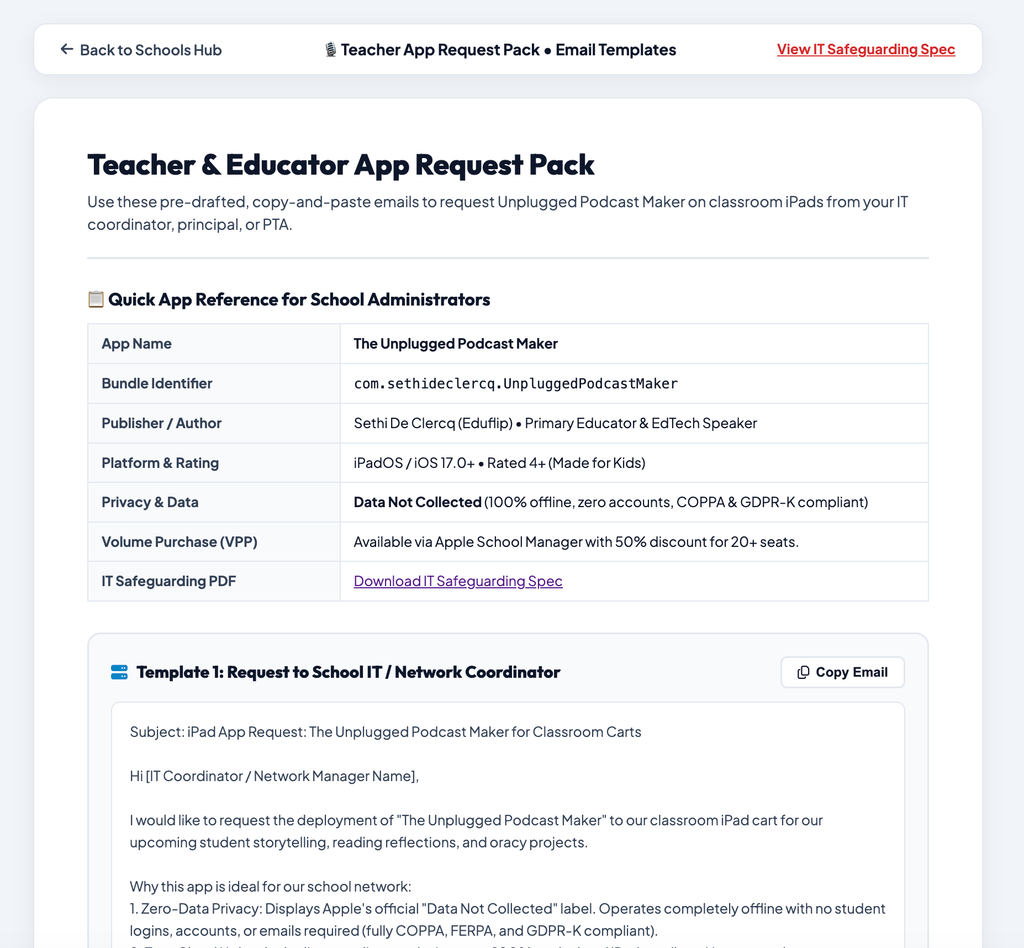
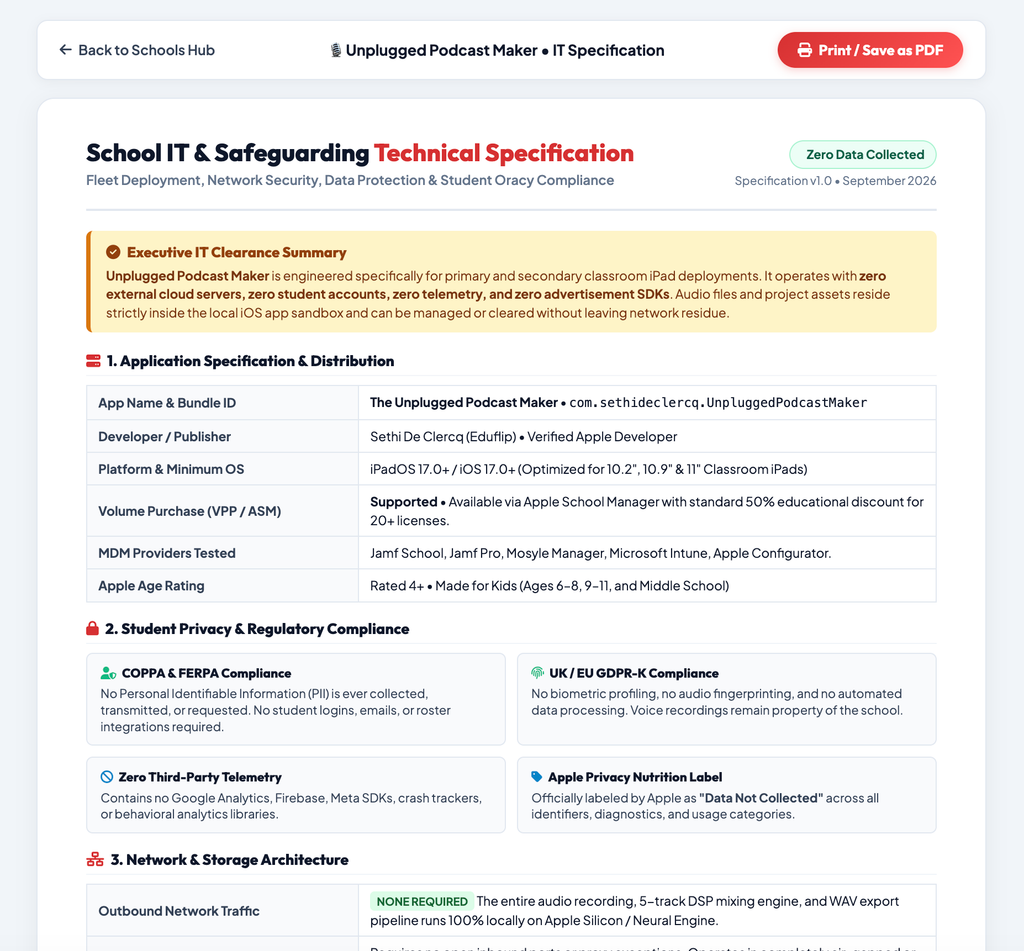
In addition to this Many school have to Justify and submit many document in order to keep track of what an app does. So to make that easier I decided to provide everything a Tech-Director or Teacher needs on the website: Schools Info
Want an email template to request the app installed for your school or domain, you’ll find it on there. Need a tech sheet of permissions and access the app requires? It’s on the website.
4. Defeating “Subscription Fatigue”
Both families and schools are drowning in recurring software fees. Nobody needs another $9.99/month drain on the household or classroom budget.
I built the business model around three clear rules:
- The Free version must be completely viable. Out of the box, the free 4-track studio is fully functional; NOT a crippled trial or an ad-bloated headache.
- One-time purchase, forever. If you want the Pro features (like the 5th Glitches track and extra sound packs), you buy it once and you own it.
- Priced like a treat, not a luxury. Creative software shouldn’t break the bank. I intentionally kept the Pro upgrade low, in most cases, costing no more than a fancy Starbucks Frappuccino.
What Will You Create?
By stripping away DAW complexity, putting sound effects at kids’ fingertips, protecting student privacy, and ditching the subscription model, my hope is that this studio opens the door for the next generation of podcasters, interviewers, and audio dramatists.
Give it a spin with your kids or in your classroom, and let me know: what will you be creating next?
Website Link: https://podcast.sethideclercq.com/podcast-maker.html
App Store Link: https://apps.apple.com/us/app/unplugged-podcast-maker/id6811337503
This Post was first posted on Sethi De Clercq's Blog and Cross-Posted on ReadySetCompute